
Approve a Route Feature
This feature provides customers an option to approve an independent driver's settlement and is intended for customers who fall into the scenario(s) below
- A customer with additional requirements to verify delivery completion
- A customer needs an independent driver to use their app. Without integration, and to prevent duplicated invoices. The driver settlement would happen through Rova but be billed through Rova.
Please be advised an independent driver's settlement depends on your approval!
Walkthrough
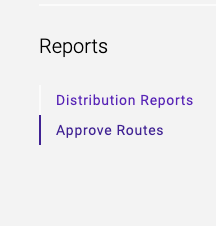
1. Navigate to Reports

2. On the left panel, navigate to Approve Routes
3. Your routes to approve will appear
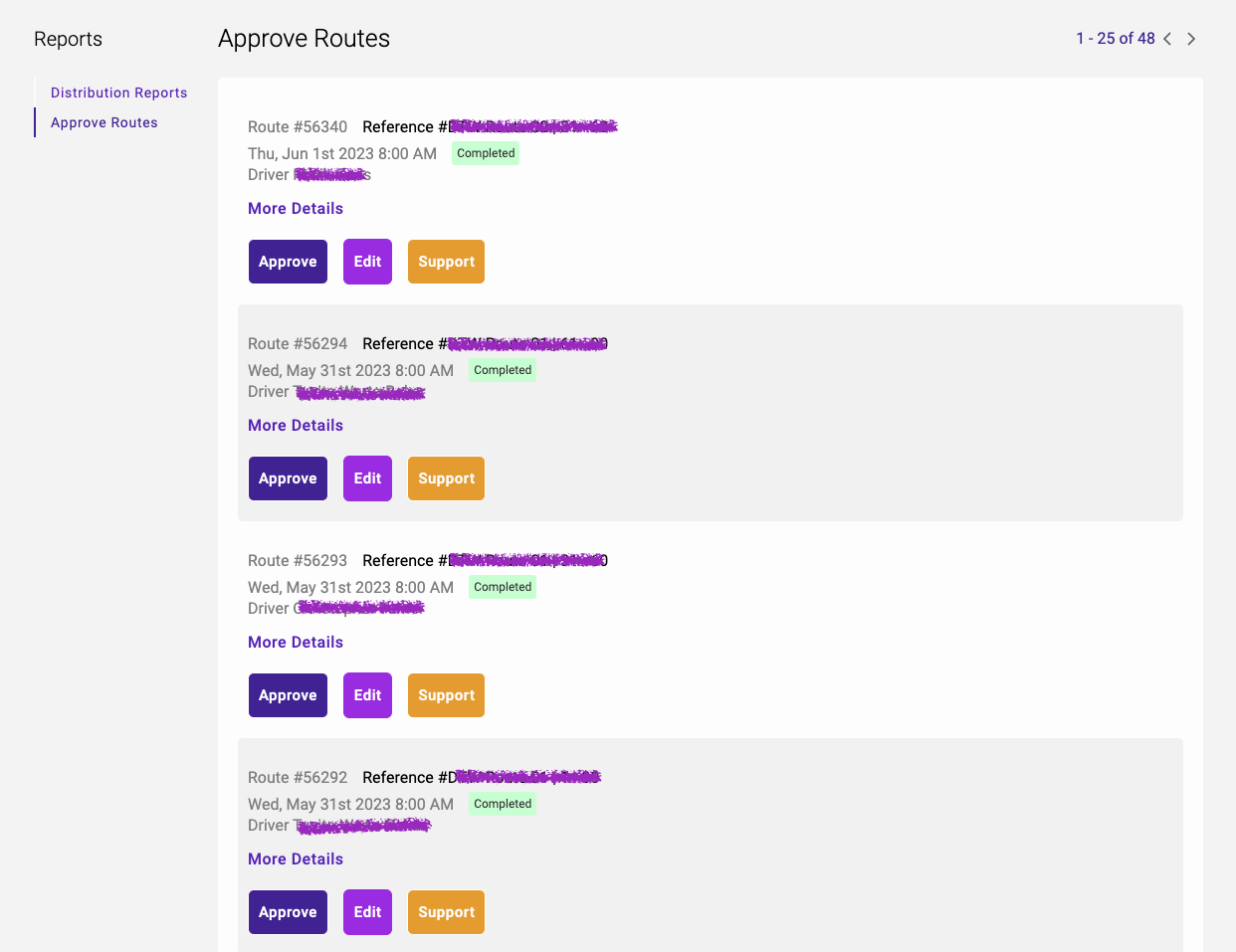
4. Clicking More Details will show the route's information.

5. If the route has been modified, and requires editing. Click Edit to edit the stops.
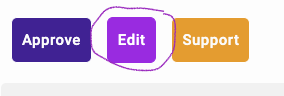
6. If the routes require no modification. The approval is a 2-step process.
i. Click Approve

ii. Click Confirm

Have a question about this article?Contact our support team